Sheru Bhai Sticker — Free WhatsApp Stickers (Transparent PNG)
Last updated:
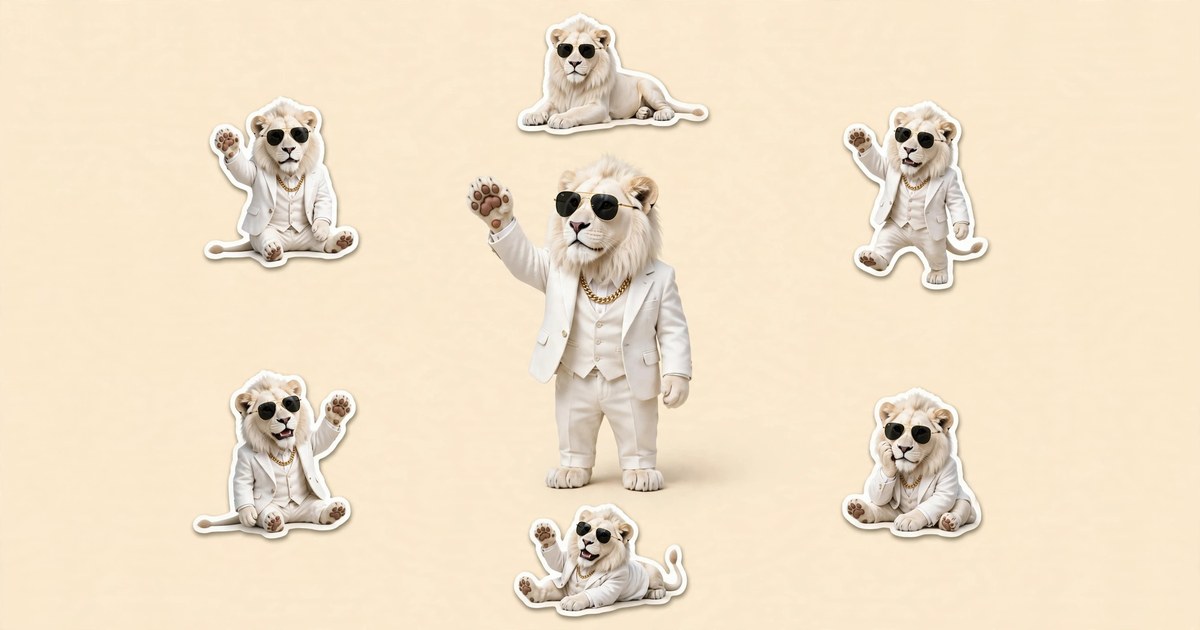
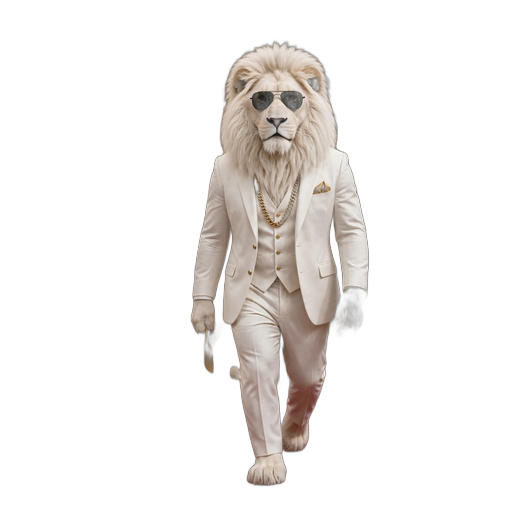
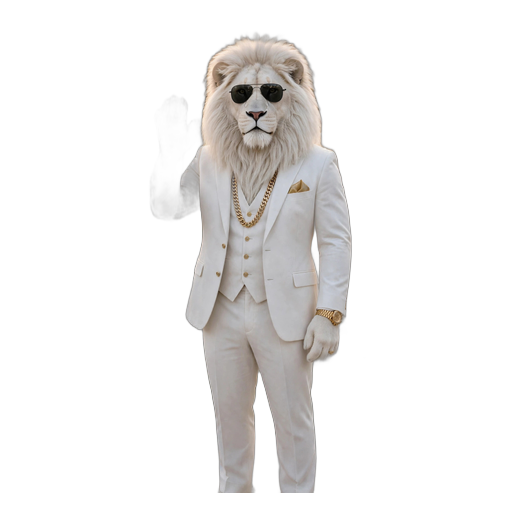
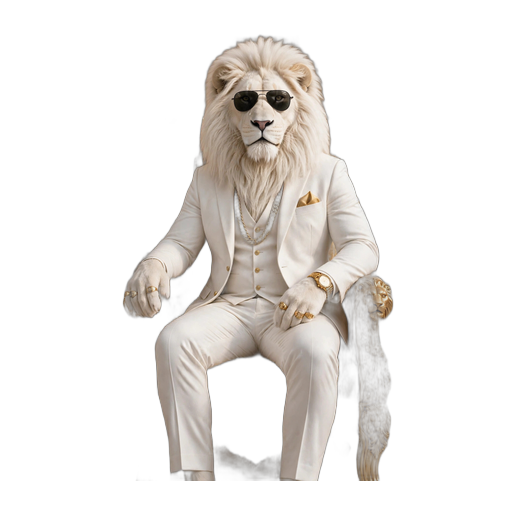
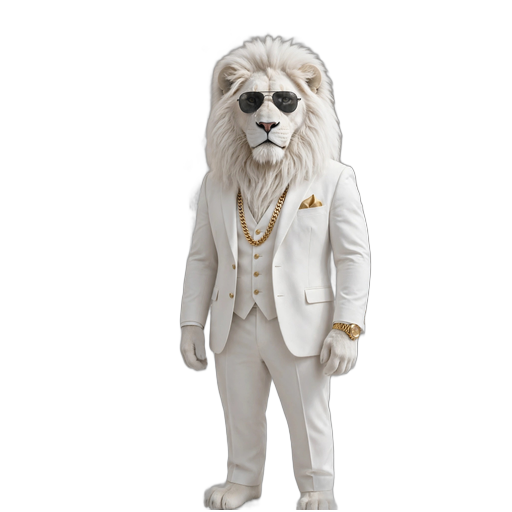
11 free Sheru Bhai stickers for WhatsApp — transparent PNGs (512×512) of the white lion Don in his white suit, gold chain and black sunglasses. Download any sticker free, no sign-up, and add it to WhatsApp in 3 steps below.
Add to WhatsApp in 3 steps
WhatsApp stickers are 512×512 transparent images — these PNGs are already that size.
1. Download the stickers
Tap Download under any sticker below to save the transparent PNG (512×512) to your phone. All 11 are free, no sign-up.
2. Make a sticker pack
Open a sticker maker app (for example, Sticker Maker on Android or iPhone) and create a new pack, then add the PNGs you downloaded. The transparent background is kept, so the lion sits cleanly on any chat background.
3. Add to WhatsApp
Export the pack to WhatsApp from the sticker maker app. The stickers appear in your WhatsApp sticker tray — tap one to send it in any chat or group.
No account, no payment, no watermark. The stickers are free to download and share in your chats.
11 Sheru Bhai stickers — free download
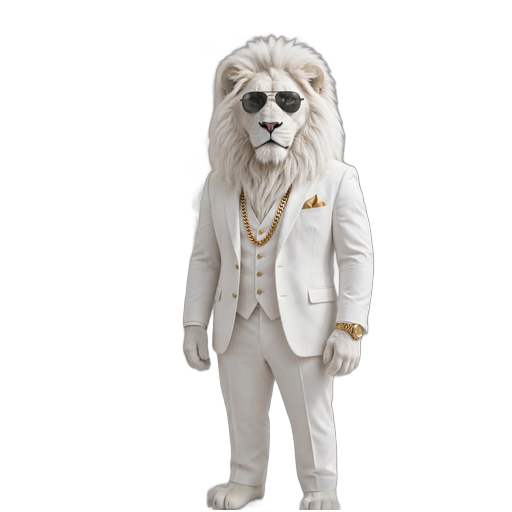
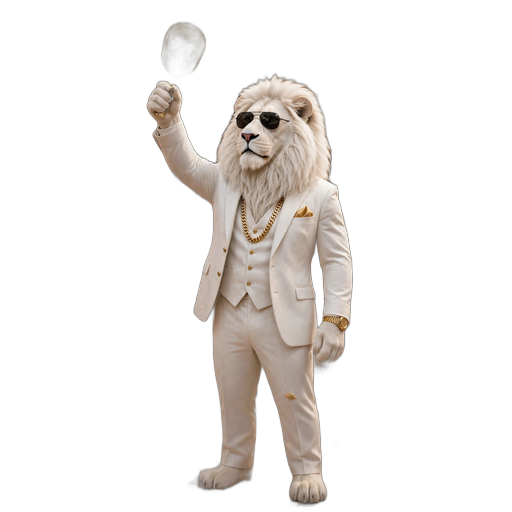
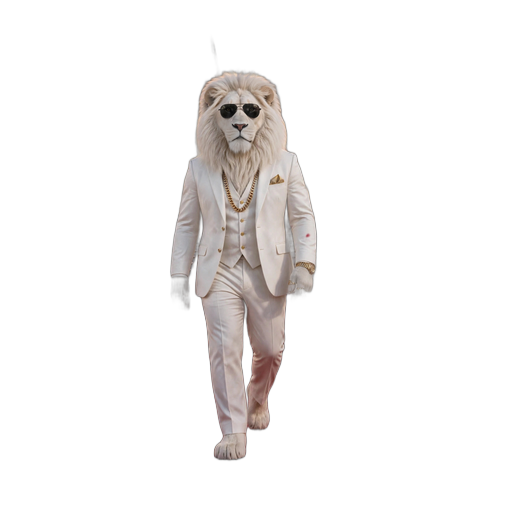
Transparent PNG stickers (512×512), ready for WhatsApp. Tap Download under any sticker to save it.

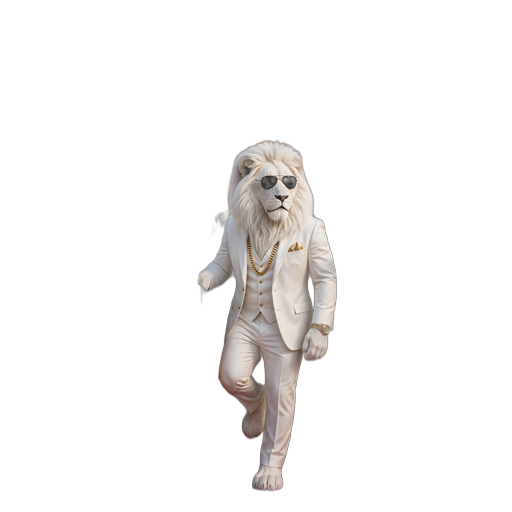
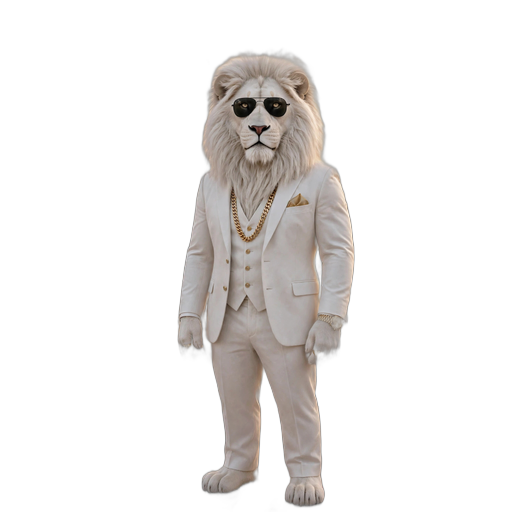
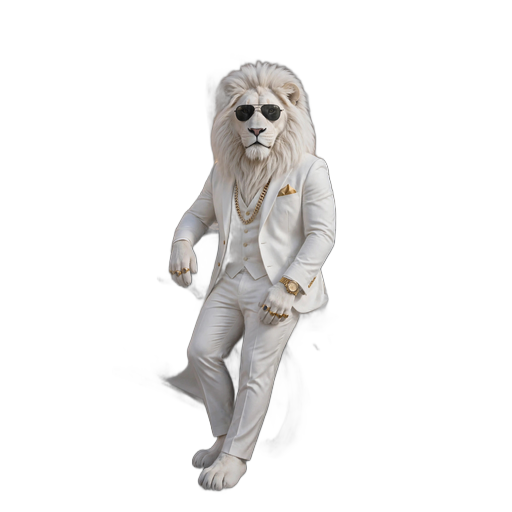
What is a Sheru Bhai sticker?
A Sheru Bhai sticker is a transparent PNG picture of the white lion Don — white suit, gold chain, black sunglasses — sized 512×512 for WhatsApp. Because the background is transparent, the lion sits cleanly on any chat background, light or dark. These 11 stickers are free to download, no sign-up, no watermark.
Can I use them on WhatsApp?
Yes. Download the PNGs, add them to a sticker pack with a sticker maker app, and export the pack to WhatsApp — the 3 steps above. The stickers then live in your WhatsApp sticker tray and work in any chat or group.
Want Sheru in a video too?
Stickers are still pictures — for a moving Sheru, generate a silent 720p clip here: pick a play, 50 credits a video.
FAQ
Are the Sheru Bhai stickers free?
Yes — all 11 stickers are free to download, no sign-up, no payment, no watermark.
What size are the stickers?
512×512 transparent PNG — the size WhatsApp uses for stickers. No resizing needed.
Can I add them to WhatsApp without an app?
WhatsApp also has a built-in sticker maker: open a chat, tap the sticker icon, tap Create, and pick a downloaded PNG — WhatsApp cuts it out for you. For a full pack of 11, a sticker maker app is quicker.
Can I share them in a WhatsApp group?
Yes — once the pack is in your WhatsApp sticker tray, the stickers work in any chat or group, just like any other sticker.
Your Sheru Bhai auction starts with one prompt
Try it for $1.99 / ₹179