Sheru Bhai Wallpaper — Free HD Download
आख़िरी अपडेट:
Sheru Bhai ke 16 ready-made HD wallpapers — phone ke liye 12 vertical 9:16 aur desktop ke liye 4 wide 16:9. White suit, gold chain, black sunglasses, free download.
Phone wallpapers — 12 vertical 9:16
| Wallpaper | Download | Kiske liye achha |
|---|---|---|
| Auction boli |  Download | Lock screen — Sheru sone ka paddle uthata hai |
| Boss entry | 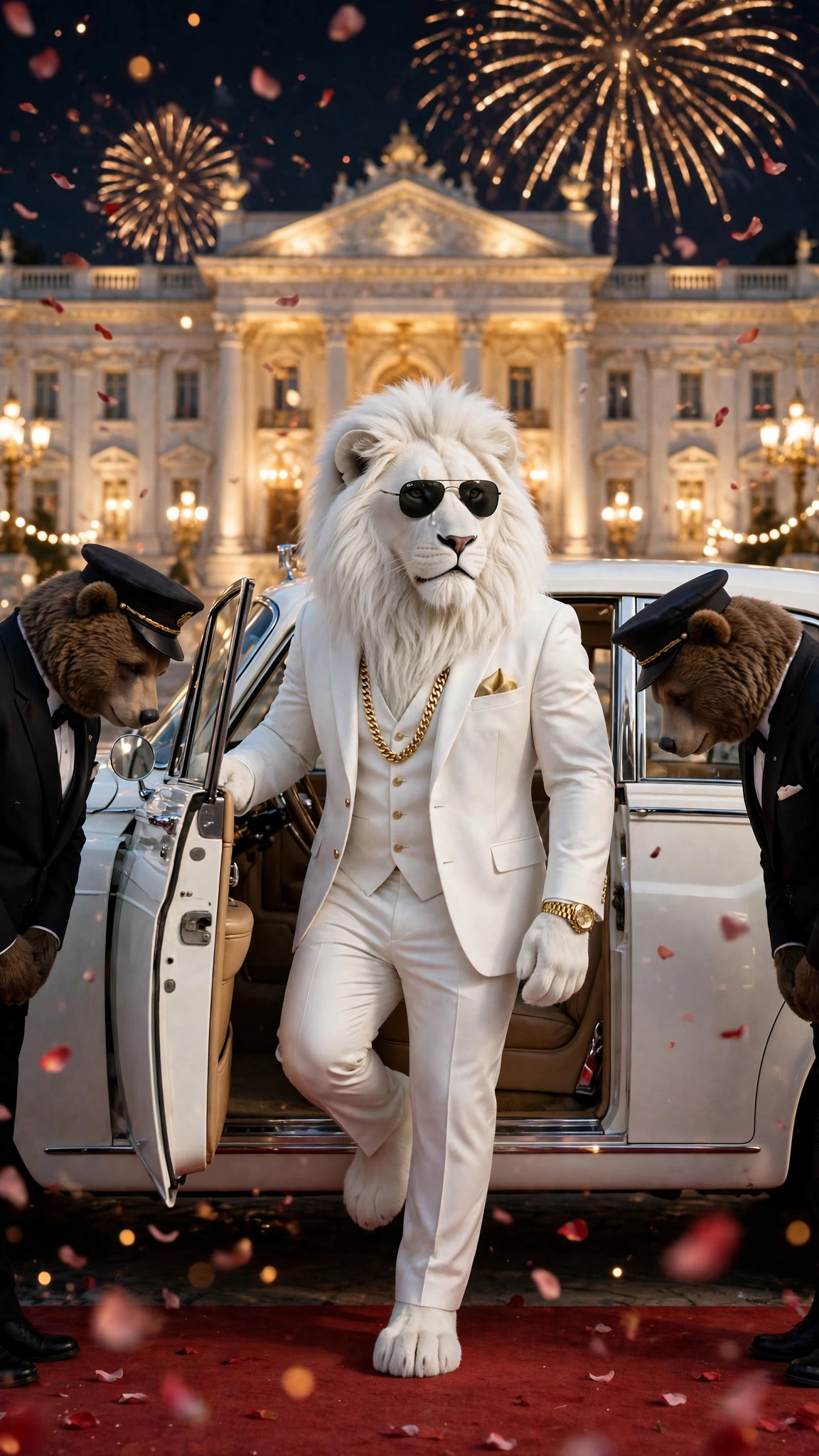 Download | Home screen — red carpet entry |
| Buys the school |  Download | Lock screen — mahal wala school scene |
| Beta’s rescue | 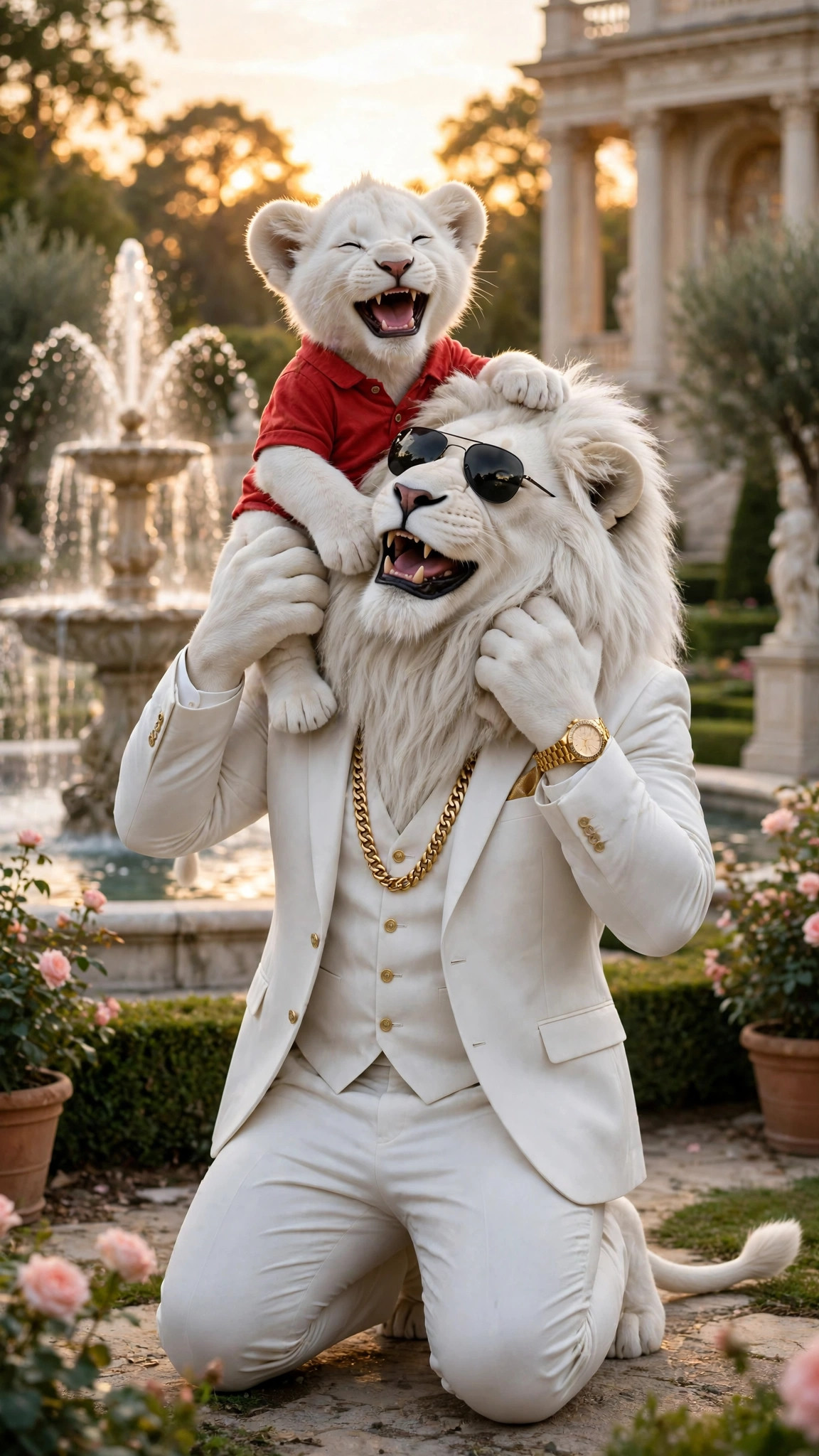 Download | Home screen — Sheru aur Beta |
| Don vs Don | 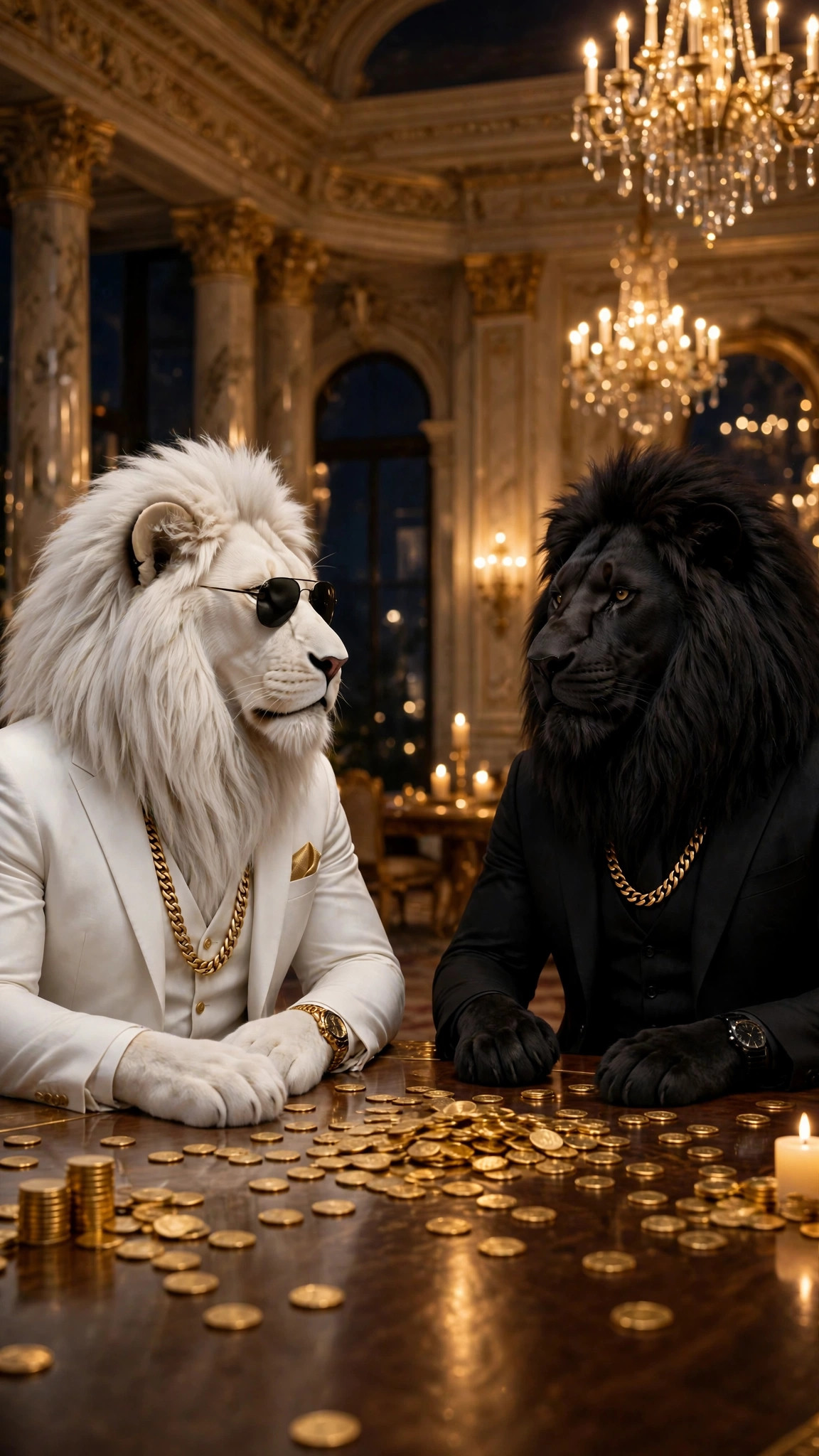 Download | Lock screen — mahal mein aamna-saamna |
| Photo with Sheru | 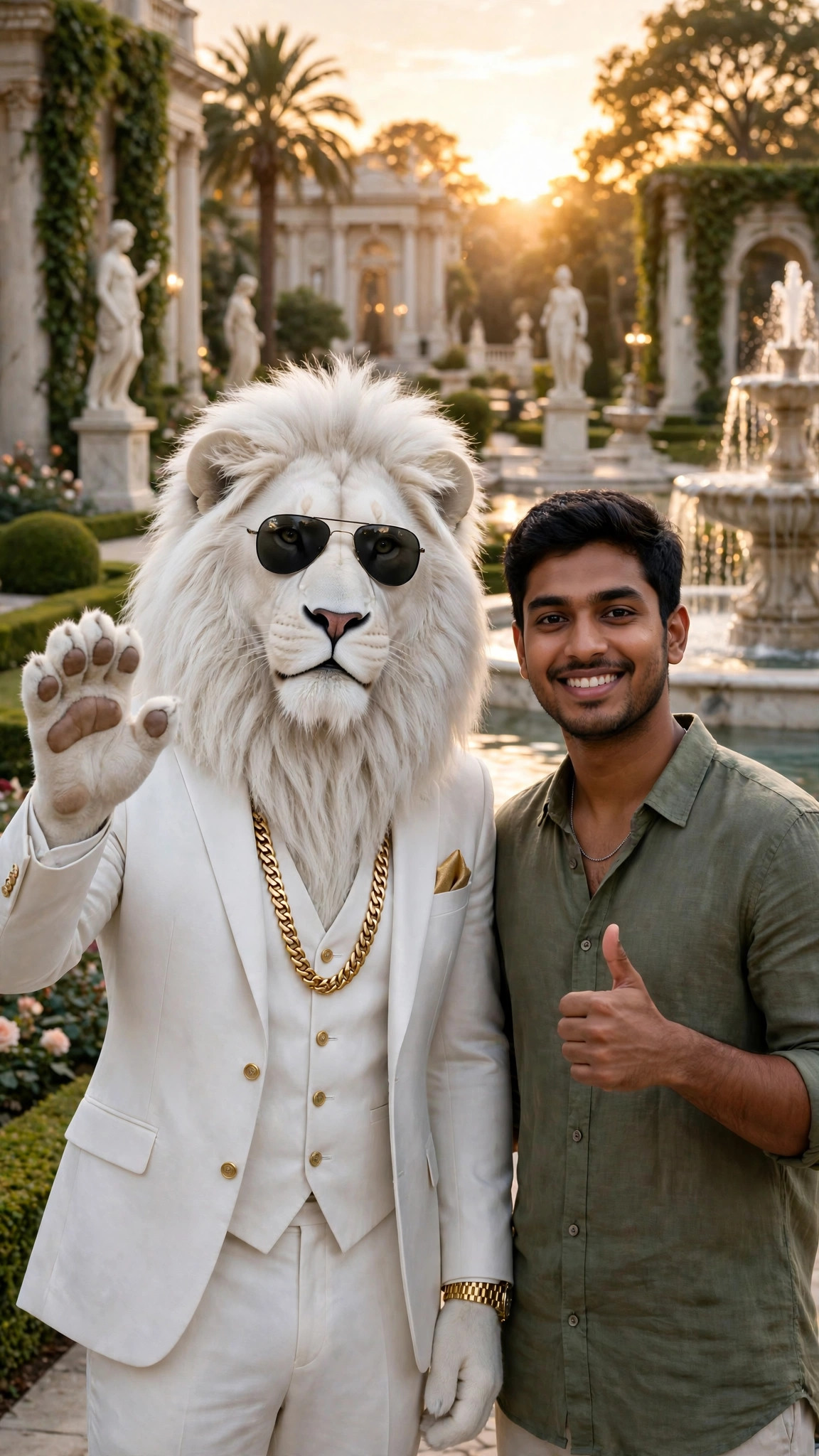 Download | Home screen — mahal ke baghiche mein Sheru lehrata hai |
| Palace portrait | 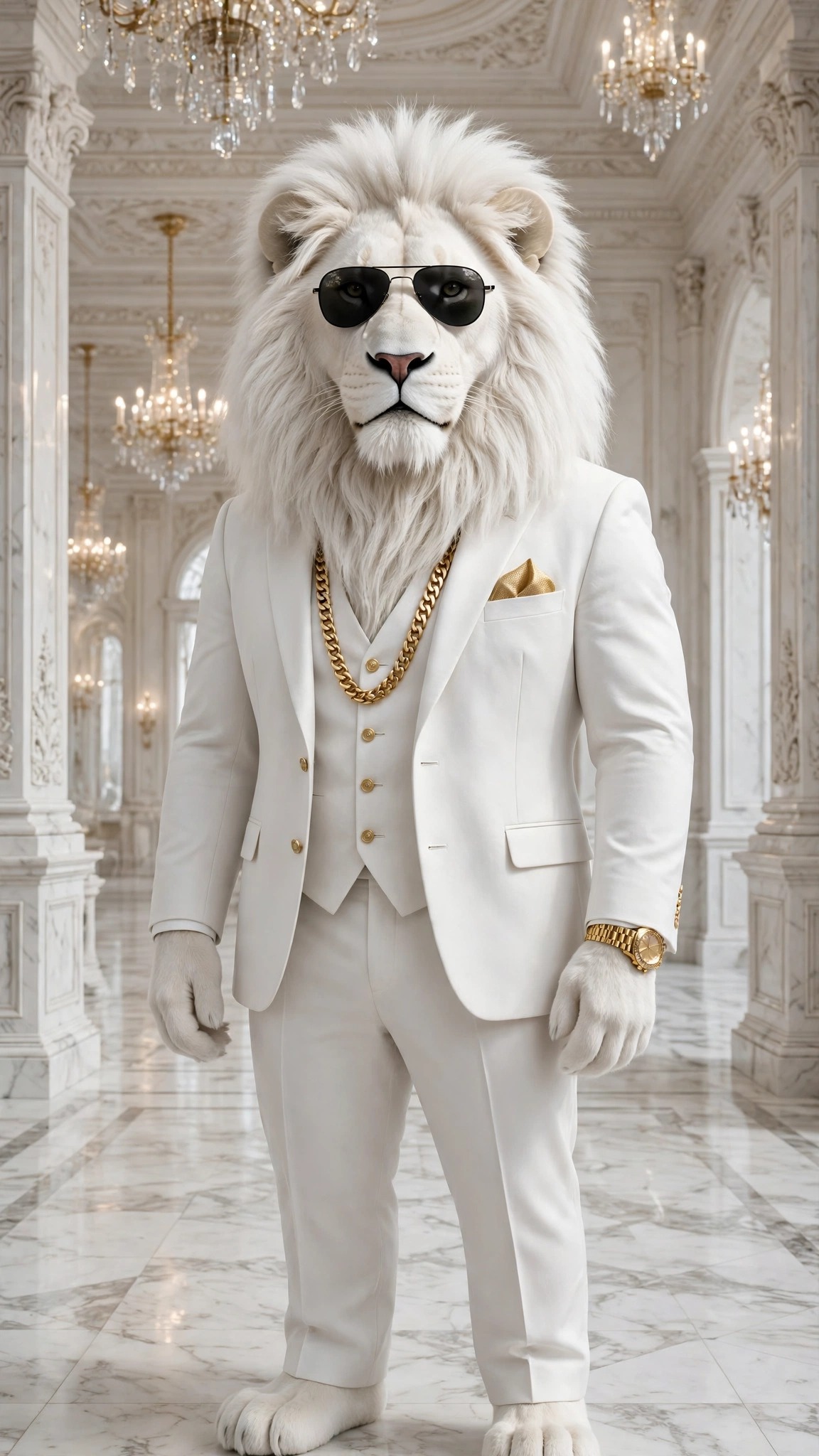 Download | Home screen — mahal ke hall mein Sheru |
| Red-carpet walk | 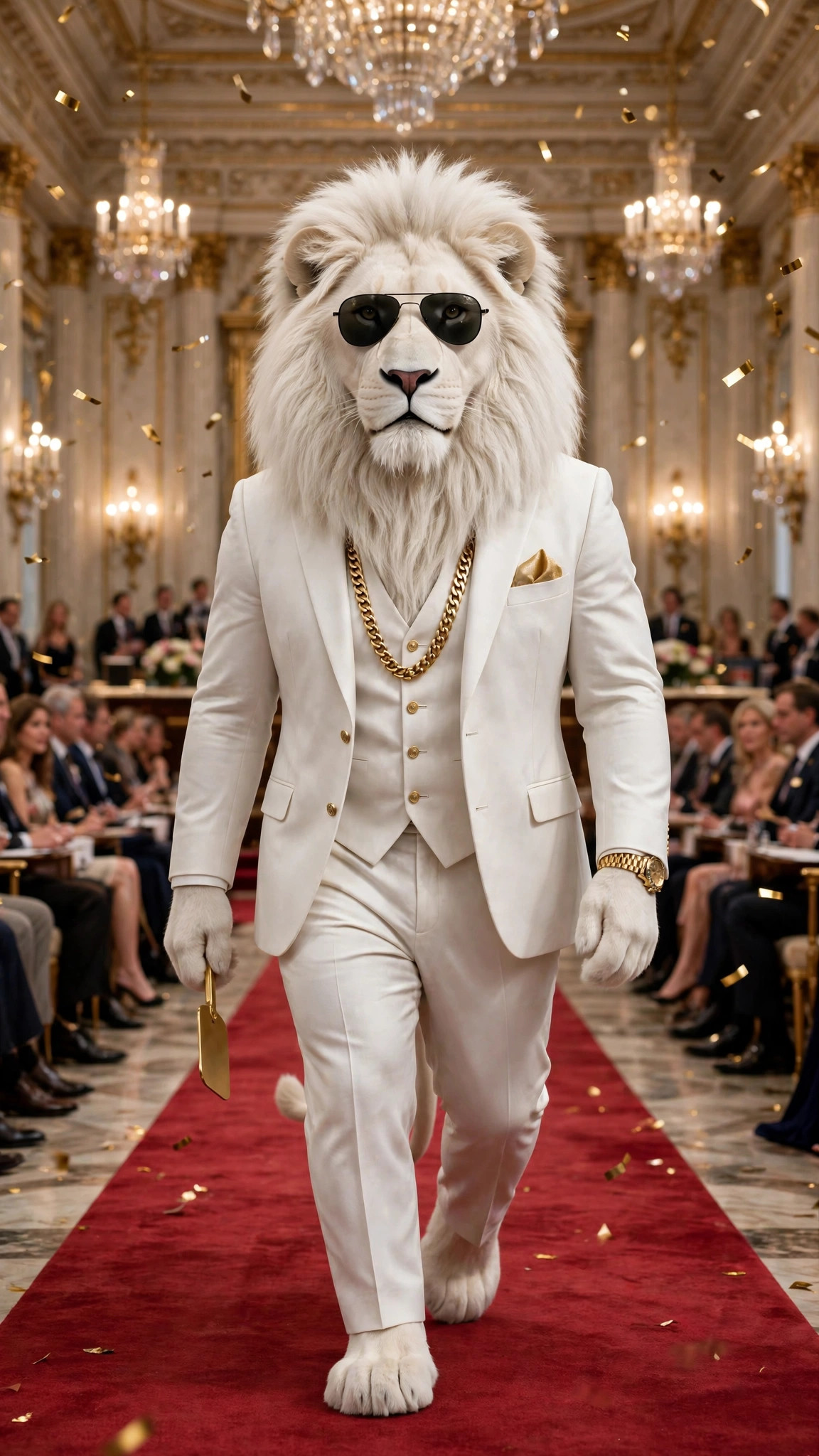 Download | Lock screen — Sheru red carpet par chalta hai |
| Golden throne |  Download | Lock screen — golden throne par Sheru |
| White supercar | 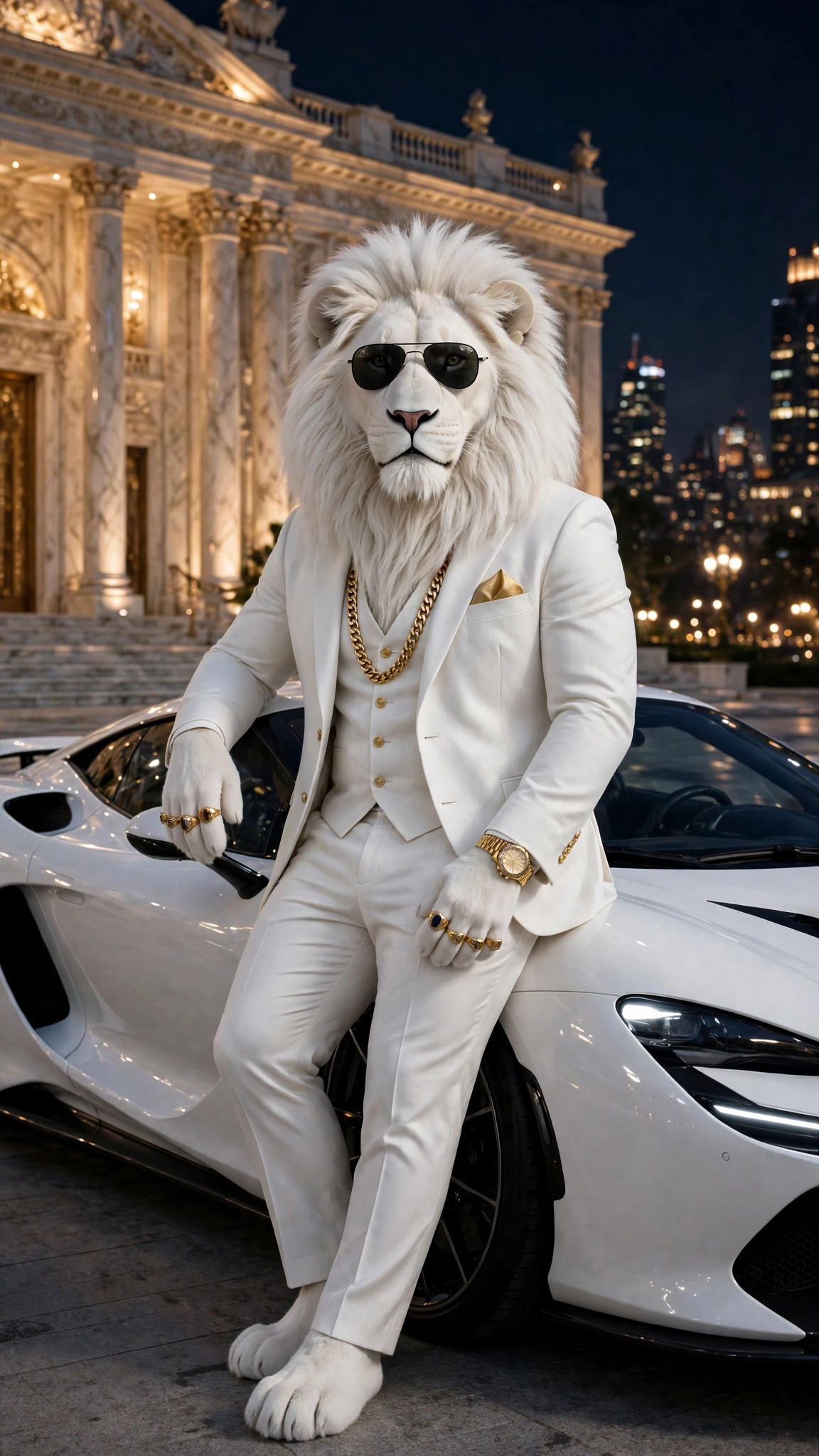 Download | Home screen — raat mein white supercar ke saath Sheru |
| Palace balcony | 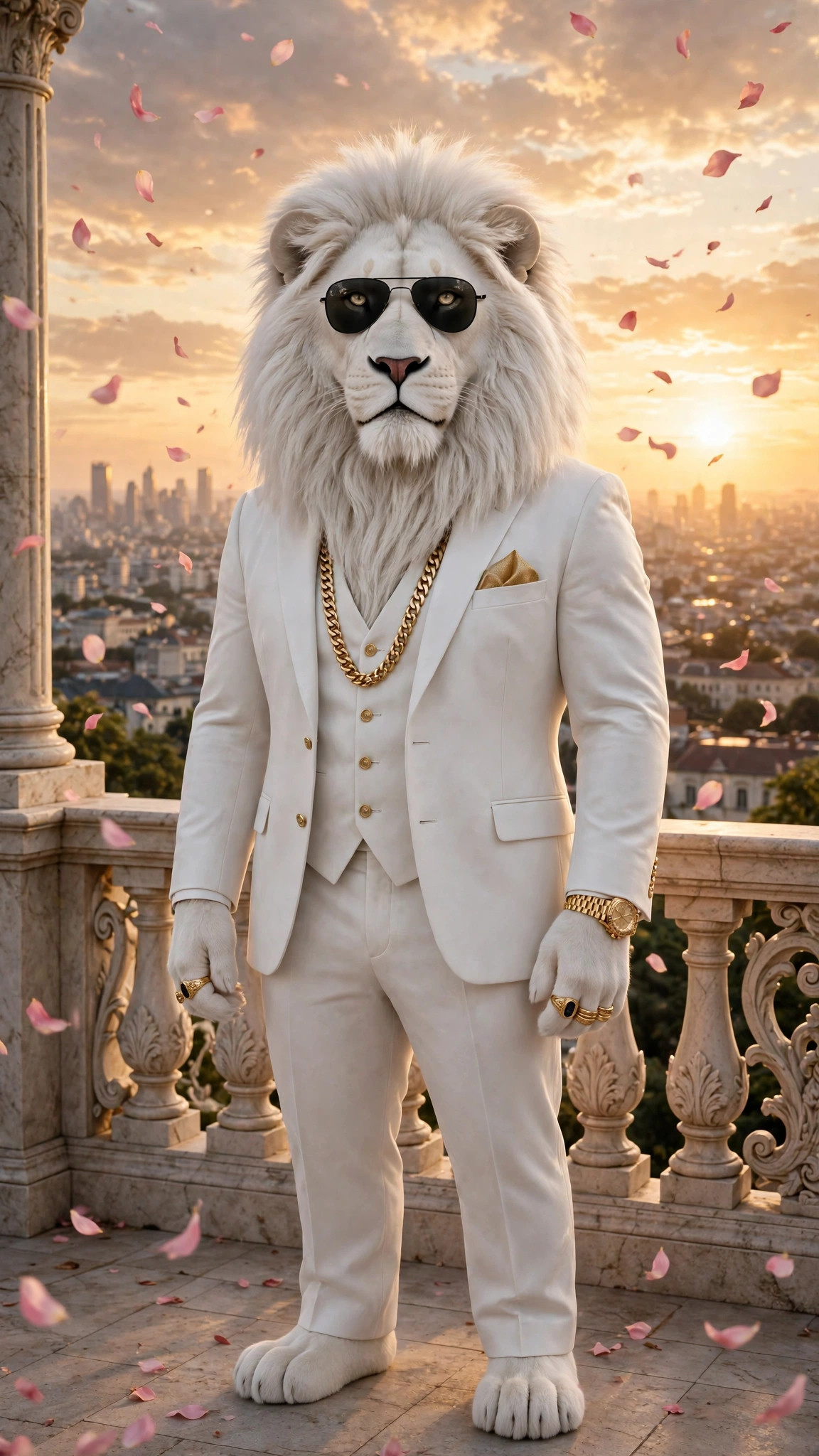 Download | Lock screen — sunset par palace balcony par Sheru |
| Face close-up | 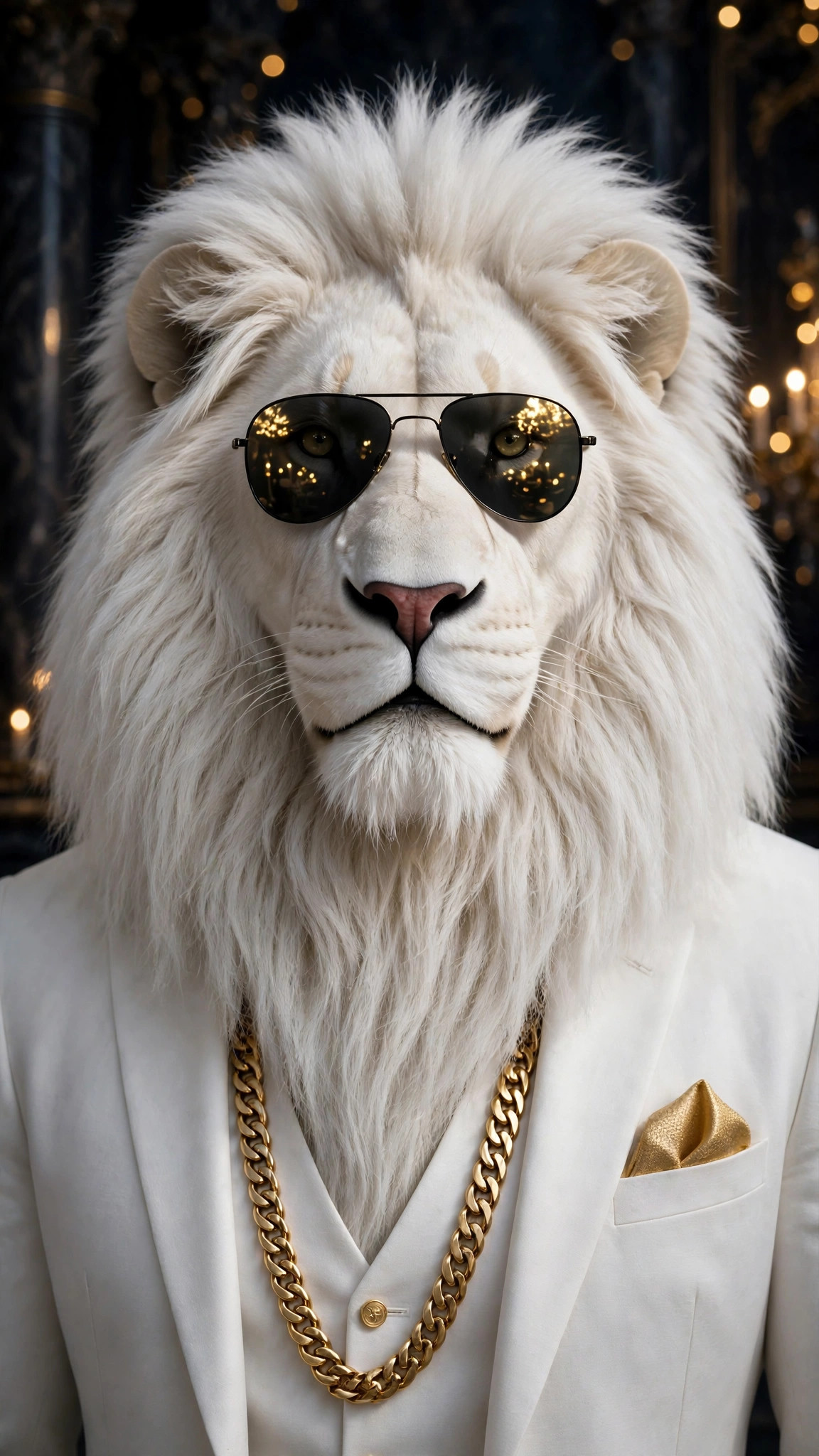 Download | Home screen — Sheru ka face close-up |
Desktop wallpapers — 4 wide 16:9
Desktop screen ke liye bani chaar wide 16:9 tasveerein (2048 × 1152) — wahi Sheru, wahi safed suit aur gold chain, chaude frame mein. Kisi bhi picture ke neeche Download dabaiye, full-size file save kijiye, phir use desktop background lagaiye.
| Wallpaper | Download | Kiske liye achha |
|---|---|---|
| Auction hall — wide |  Download | Desktop — nilami hall mein paddle uthata Sheru |
| Red carpet — wide | 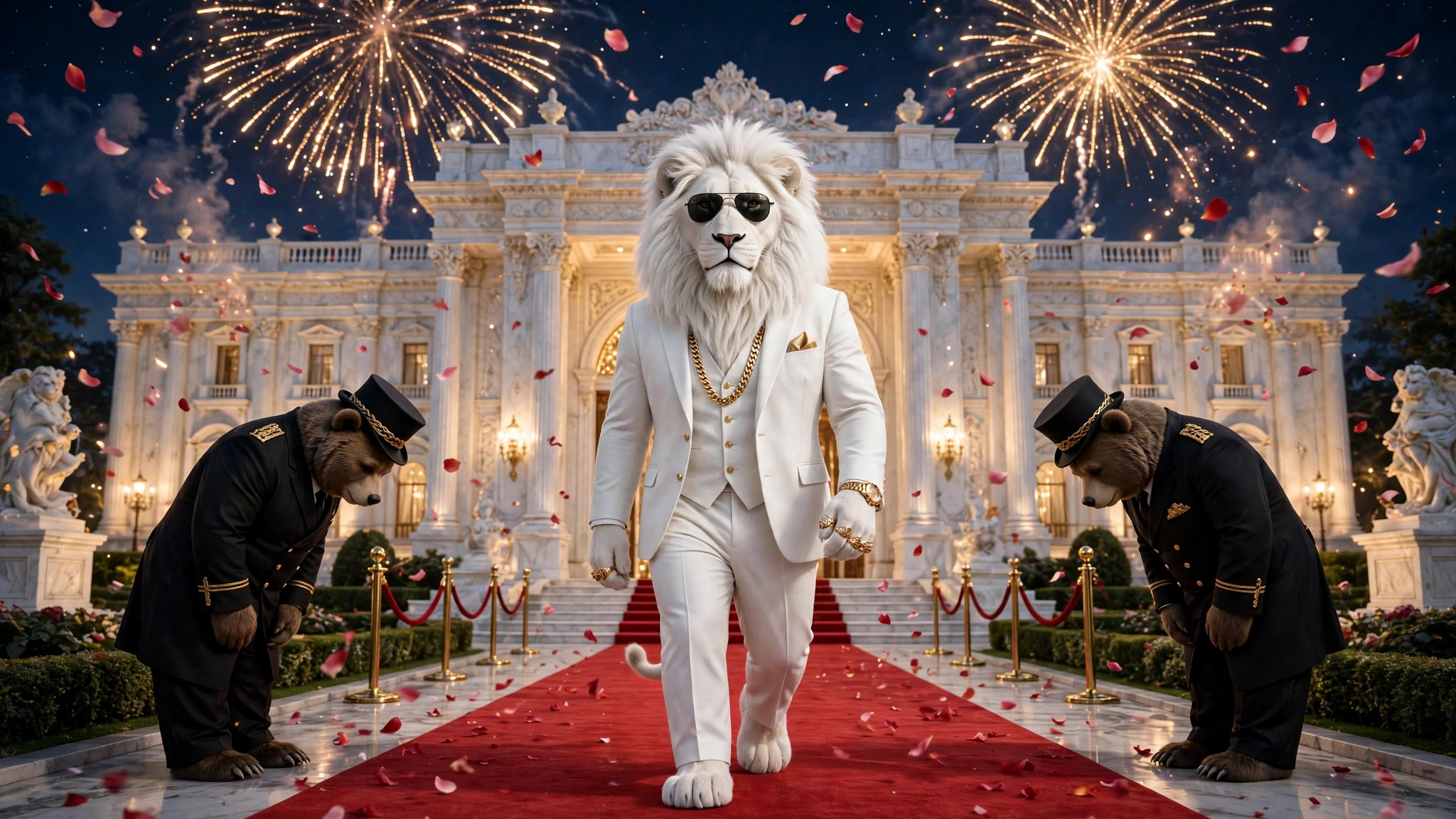 Download | Desktop — raat mein red carpet par Sheru |
| Palace garden — wide | 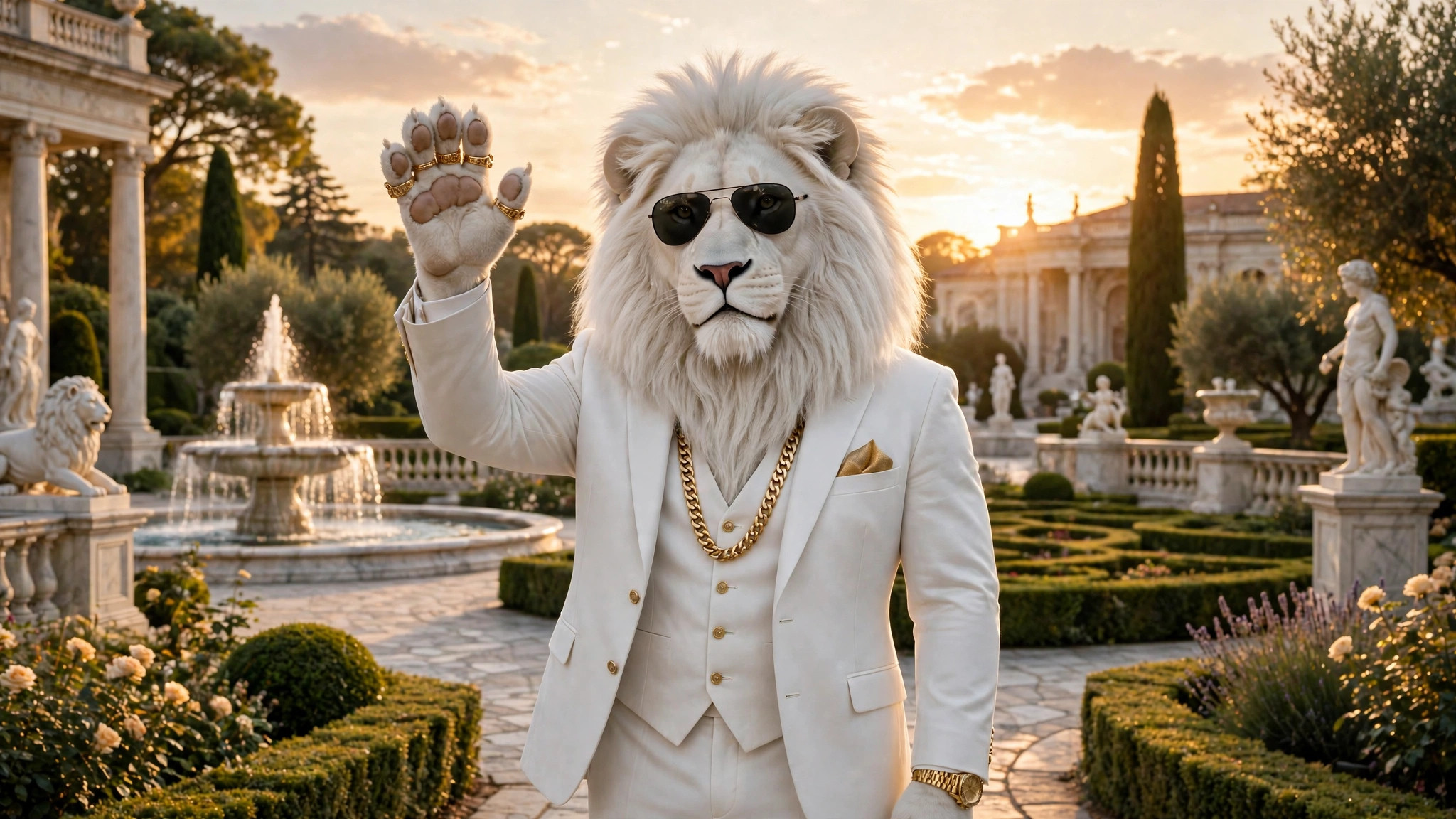 Download | Desktop — mahal ke bagiche mein lehrata Sheru |
| Golden throne — wide | 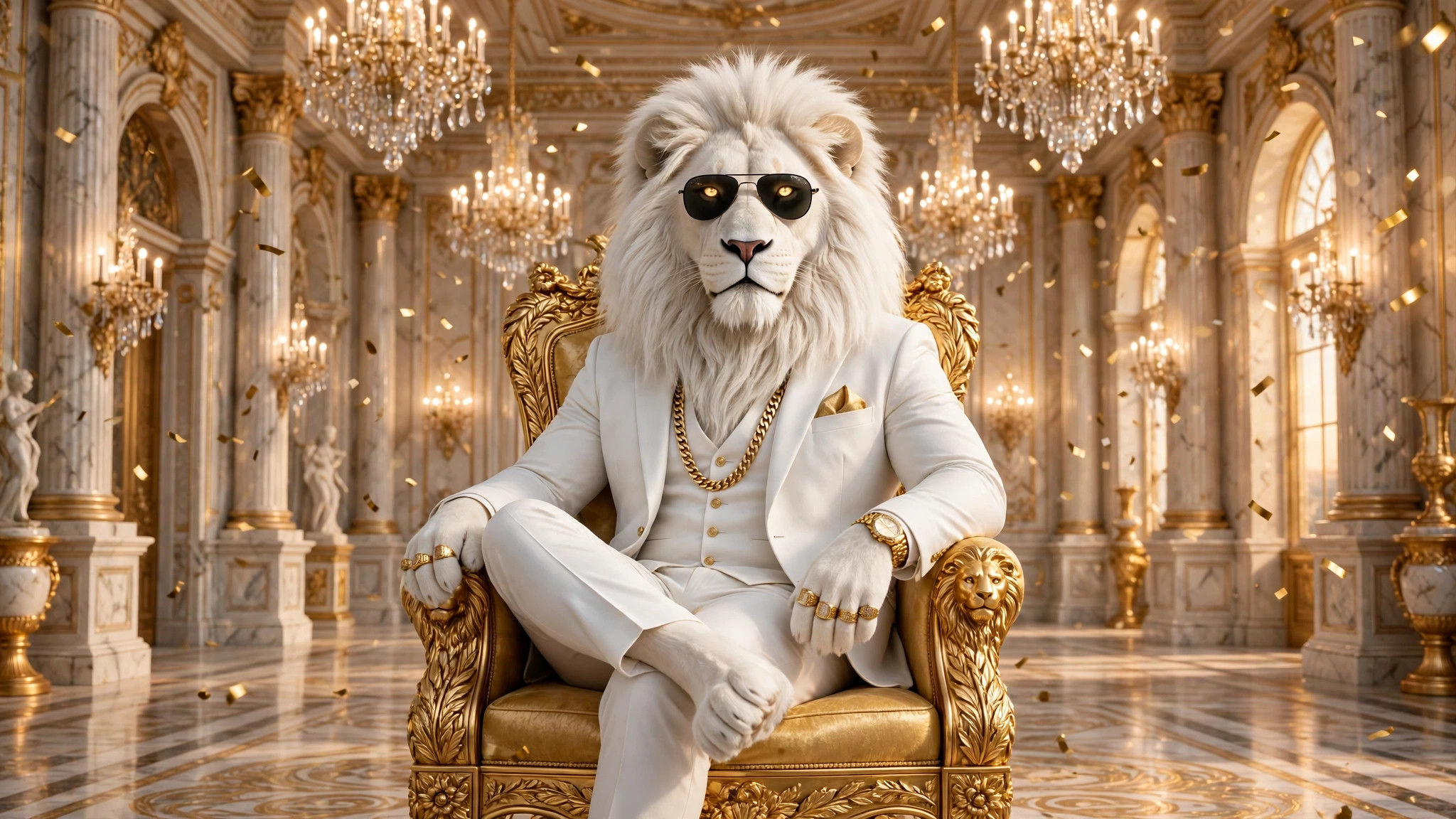 Download | Desktop — golden throne par Sheru |
In wallpapers ke baare mein
Neeche ki har tasveer mein wahi Sheru hai — barf-safed ayal, safed three-piece suit, sone ki Cuban-link chain, sone ki ghadi aur kaale aviator sunglasses. Chhah khel wale scenes woh test tasveerein hain jo is site ne apna prompt generator banate hue banayi thi; palace portrait fixed character image hai, aur red-carpet walk site ke Made With section ka scene hai. Chaar aur naye scenes is page ke liye banaye gaye hain — golden throne, raat mein white supercar, sunset par palace balcony, aur face close-up. Desktop ke liye chaar wide 16:9 scenes aur jode gaye hain — nilami hall, red carpet, mahal ka bagicha aur golden throne. Inmein se koi bhi kisi aur ke video ka screenshot nahi hai.
Barah vertical 9:16 tasveerein (1152 × 2048) hain, phone screen ke liye bani hain, aur chaar wide 16:9 tasveerein (2048 × 1152) desktop ke liye hain. Kisi bhi tasveer ke neeche Download button dabakar full-size file save kijiye — no sign-up, no charge — phir neeche diye tareeke se wallpaper lagaiye. Bharat mein log sheru bhai ki photo ya sheru bhai ka photo apni DP ya lock screen ke liye dhoondhte hain; yahan ki har tasveer bilkul wahi hai. Face close-up ek sheru bhai single photo hai — sirf sher, koi aur frame mein nahi.
फ़ोन वॉलपेपर: कैसे लगाएँ
जिस तस्वीर को चाहते हैं, उसके नीचे Download बटन दबाएँ — पूरी साइज़ की 1152 × 2048 फ़ाइल सीधे आपके फ़ोन में सेव होगी, कोई साइन-अप नहीं, कोई चार्ज नहीं। iPhone पर Files ऐप खोलें, तस्वीर खोलें, Share दबाएँ और Save Image चुनकर उसे Photos में जोड़ें। फिर Photos में Share दबाएँ और Use as Wallpaper चुनें। Lock Screen या Home Screen चुनें, तस्वीर को तब तक खिसकाएँ जब तक Sheru का चेहरा घड़ी से साफ़ न दिखे, फिर Add दबाएँ।
Android पर Download दबाएँ और तस्वीर Downloads में सेव होकर Gallery में दिखेगी। Gallery में तस्वीर खोलें, मेनू से Set as wallpaper चुनें। Lock screen या Home screen चुनें। तस्वीर 9:16 है, इसलिए शेर को खींचे या काटे बिना फ़ोन स्क्रीन पर पूरी आ जाती है।
डेस्कटॉप वॉलपेपर: कैसे लगाएँ
इस पेज की चार wide 16:9 तस्वीरें डेस्कटॉप के लिए बनी हैं — किसी एक के नीचे Download दबाकर 2048 × 1152 फ़ाइल सेव कीजिए, फिर उसे बैकग्राउंड लगाइए। Windows पर डाउनलोड की हुई फ़ाइल पर राइट-क्लिक करके Set as desktop background चुनें; macOS पर System Settings → Wallpaper खोलकर फ़ोटो जोड़ें।
बारह वर्टिकल तस्वीरें डेस्कटॉप पर भी चलती हैं — उन्हें गहरे बैकग्राउंड के बीच में लगाएँ (Windows: Personalize → Background → Picture, फिर Fit → Center; macOS: System Settings → Wallpaper → पीछे गहरा ठोस रंग), या किसी भी फ़ोटो एडिटर में तस्वीर के बीच का हिस्सा 16:9 में काट लें — Sheru बीच में है, इसलिए बीच की कटाई में उसका चेहरा, सूट और चेन बने रहते हैं।
ये वॉलपेपर क्या हैं — और क्या नहीं
ये पहले से बनी तस्वीरें हैं, अपने फ़ोन या डेस्कटॉप वॉलपेपर के लिए मुफ़्त डाउनलोड करें। लोग इन्हें white sheru ai photo कहकर खोजते हैं — सफ़ेद सूट वाले सफ़ेद शेर की AI तस्वीर। ये AI तस्वीरें हैं, इस साइट की fixed Sheru character image से बनीं — कहीं शेयर करें तो AI लेबल लगाएँ। यह पेज आपकी फ़ोटो से वॉलपेपर नहीं बनाता, और नए सीन की फ़रमाइश नहीं ली जाती। अपना वर्शन अपनी फ़ोटो के साथ बनाने के लिए AI photo पेज पर एक फ़ोटो बनवाएँ — 10 क्रेडिट — या वहाँ का मुफ़्त प्रॉम्प्ट कॉपी करके Gemini या Flow में पेस्ट करें।
अक्सर पूछे जाने वाले सवाल
Kya Sheru Bhai wallpaper free hain?
Haan. Is page ki solah tasveerein apne phone ya desktop wallpaper ke liye free download karein.
Inka size kya hai?
Barah vertical 9:16 tasveerein (1152 × 2048) hain, phone lock screen aur home screen ke liye bani hain. Chaar wide 16:9 tasveerein (2048 × 1152) hain, desktop ke liye bani hain.
क्या मेरी अपनी फ़ोटो वाला वॉलपेपर मिल सकता है?
इस पेज से नहीं — ये पहले से बनी तस्वीरें हैं। AI photo पेज पर अपनी फ़ोटो वाला वर्शन बनवाएँ — 10 क्रेडिट — या मुफ़्त prompt generator “Photo with Sheru” वाले खेल के साथ इस्तेमाल करें, प्रॉम्प्ट Gemini या Flow में पेस्ट करें, और जो तस्वीर बने उसे वॉलपेपर लगाएँ।
क्या मैं वॉलपेपर शेयर कर सकता हूँ?
हाँ, निजी इस्तेमाल के लिए। तस्वीरें AI से बनी हैं, इसलिए शेयर करते समय AI लेबल लगाएँ, और इन्हें बेचें नहीं।
आपकी Sheru Bhai नीलामी एक प्रॉम्प्ट से शुरू होती है
प्रॉम्प्ट जनरेटर खोलें